
How to Configure a Custom Domain in ZaveIT | Step-by-Step for MSPs
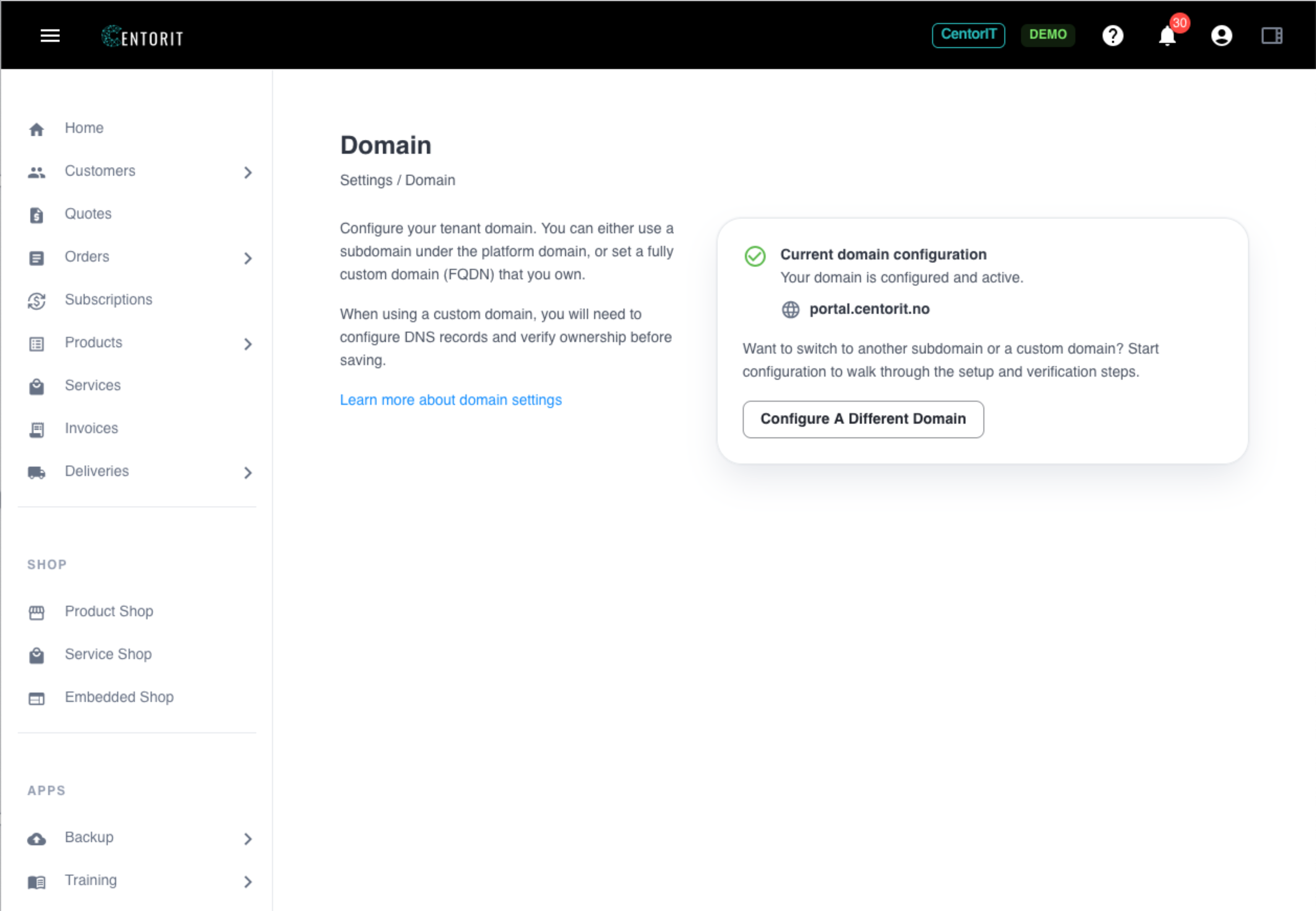
This demo shows how to configure a custom domain in ZaveIT, helping MSPs and IT resellers deliver a fully branded and more professional customer experience.
Learn how to configure a custom domain in ZaveIT in this step-by-step tutorial for MSPs and IT resellers. Instead of sending customers to generic portals, you can deliver a fully branded experience that builds trust and strengthens your professional presence.
This video shows how to connect your own domain to your ZaveIT platform, making it easier to present your services under your own brand and create a more seamless customer journey.
By using a custom domain, you improve customer trust, increase brand visibility, and create a more consistent digital experience across your services.
In this video, you’ll learn how to:
- configure a custom domain in ZaveIT
- connect your own domain to your platform
- deliver a fully branded customer experience
- improve trust and professionalism with customers
- create a more consistent and scalable digital presence
ZaveIT helps MSPs and IT resellers build, sell, and manage products and services through one unified platform.