
How to Create Quotes Faster with ZaveIT | MSP Demo
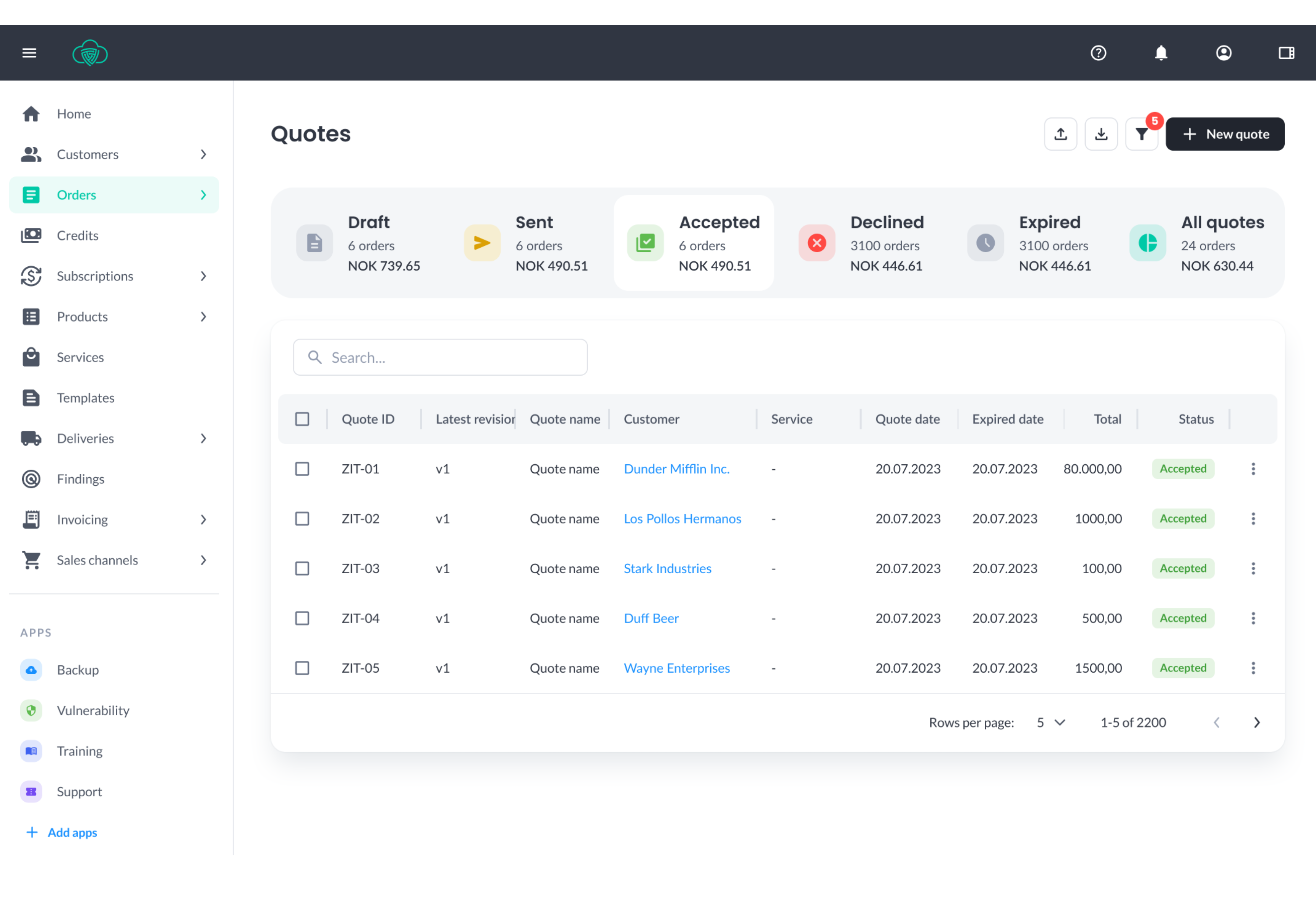
This step-by-step demo shows how to create quotes in ZaveIT, helping MSPs and IT resellers streamline quoting, reduce manual work, and respond faster to customers.
Creating quotes is only one part of the sales process. For MSPs and IT resellers, the real challenge is everything that comes after — approvals, contracts, order creation, and communication with distributors.
In this demo, you’ll learn how to create and send quotes in ZaveIT, and how the platform simplifies the entire process from quote to order. Instead of handling approvals manually, customers can digitally sign quotes and contracts, triggering the next steps automatically.
Once a quote is approved, ZaveIT creates an order and sends a purchase order (PO)directly to the distributor. This removes manual work, reduces errors, and speeds up the entire sales and delivery flow.
With ZaveIT, quoting becomes part of a connected process — not a standalone task —helping you move faster and operate more efficiently.
What you’ll learn in this demo:
- how to create quotes in ZaveIT step by step
- how to send quotes for digital signing
- how customers approve and sign quotes and contracts
- how approved quotes automatically create orders
- that purchase orders (POs) are sent to distributors
- how to reduce manual work and speed up your sales process
ZaveIT is built for modern MSPs and IT resellers that want to connect sales, delivery, and operations into one seamless workflow.
Read more here: ZaveIT.io/quotemanagement