Delayed Customer Orders
Routine purchases often sit in email inboxes, waiting for manual responses and approvals. This slows down ordering and creates unnecessary delays for customers.


Customer Self-Service
Give customers a direct way to order services, check progress and find what they need.

Routine purchases often sit in email inboxes, waiting for manual responses and approvals. This slows down ordering and creates unnecessary delays for customers.
Customers struggle to access their order status and subscription details without contacting the MSP. This leads to repeated follow-ups and delays in getting information.

Sales team spends time answering basic questions about orders & subscriptions. These repetitive inquiries reduce time available for important customer needs.
A customer needs more licences. They request them, wait for updates, and follow up as their request moves slowly between teams. A simple order becomes a drawn-out process.
HOW ZAVEIT SOLVES IT
ZaveIT gives customers a branded portal to order services, manage subscriptions, view invoices, track orders and raise support tickets. Connected to the same service catalogue, it makes self-service easier without switching between multiple systems.

Order products, services and subscriptions from an available catalogue.
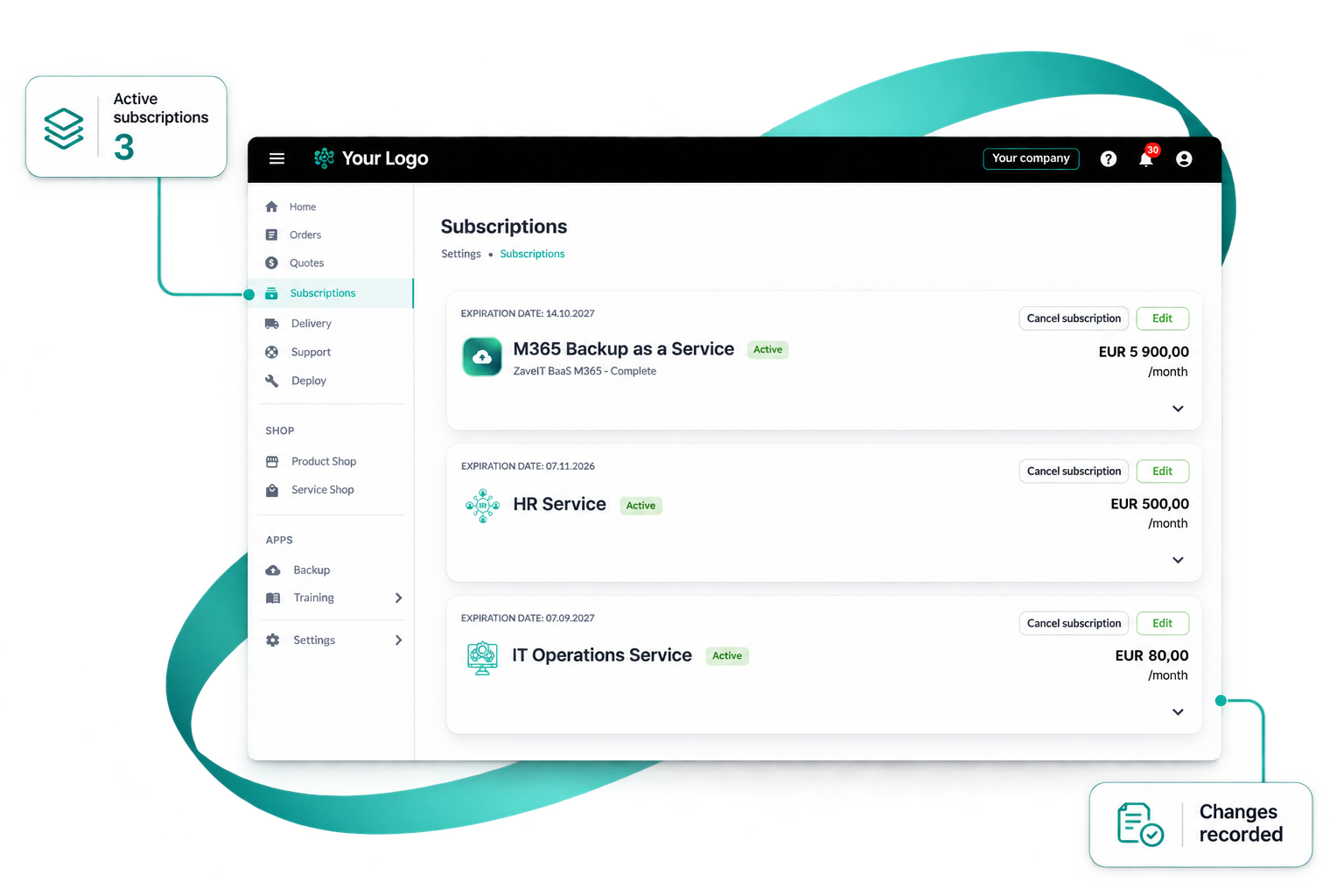
Check order and subscription details without emailing for an update.
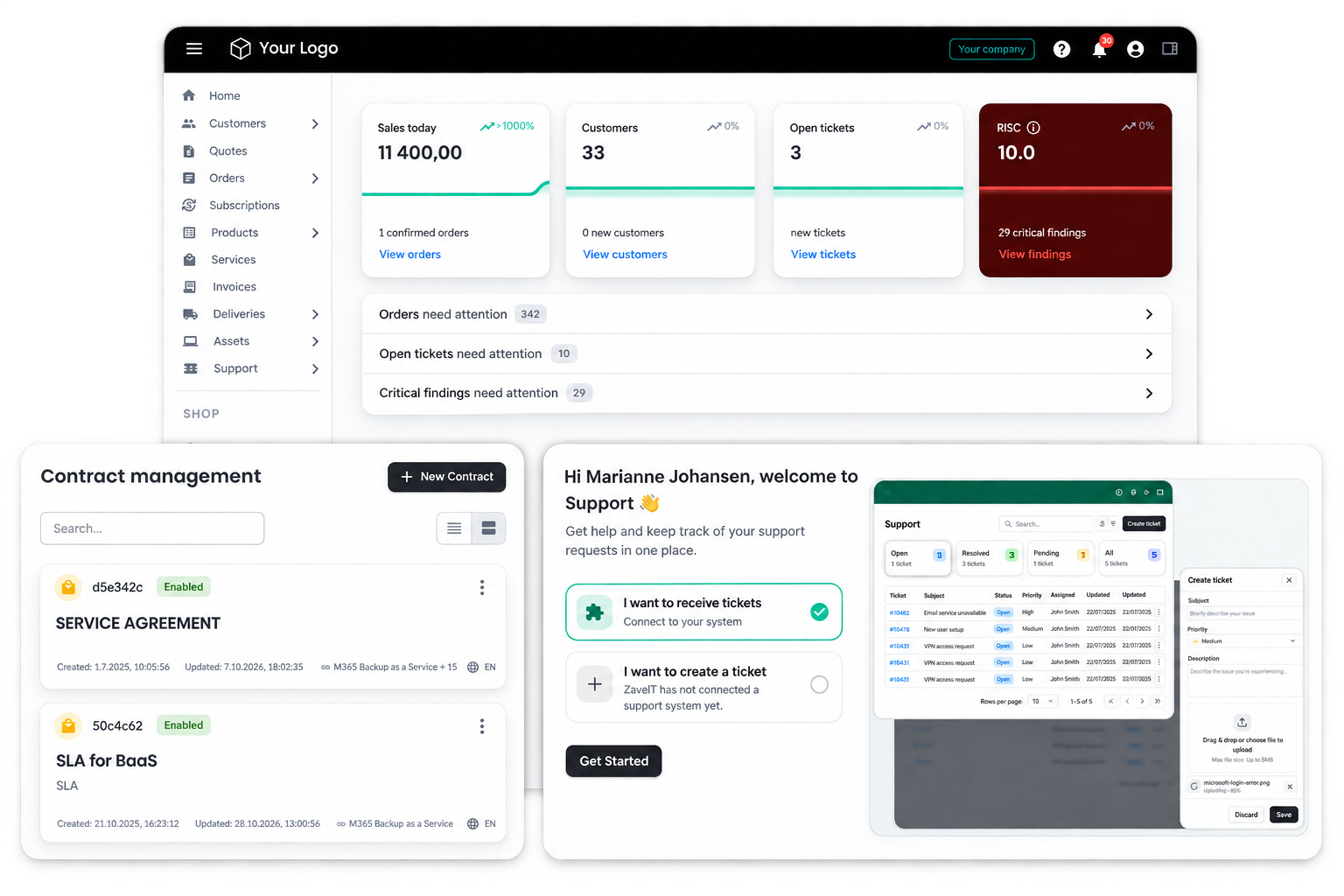
Find invoices, documents and support in a familiar place.
HOW IT WORKS
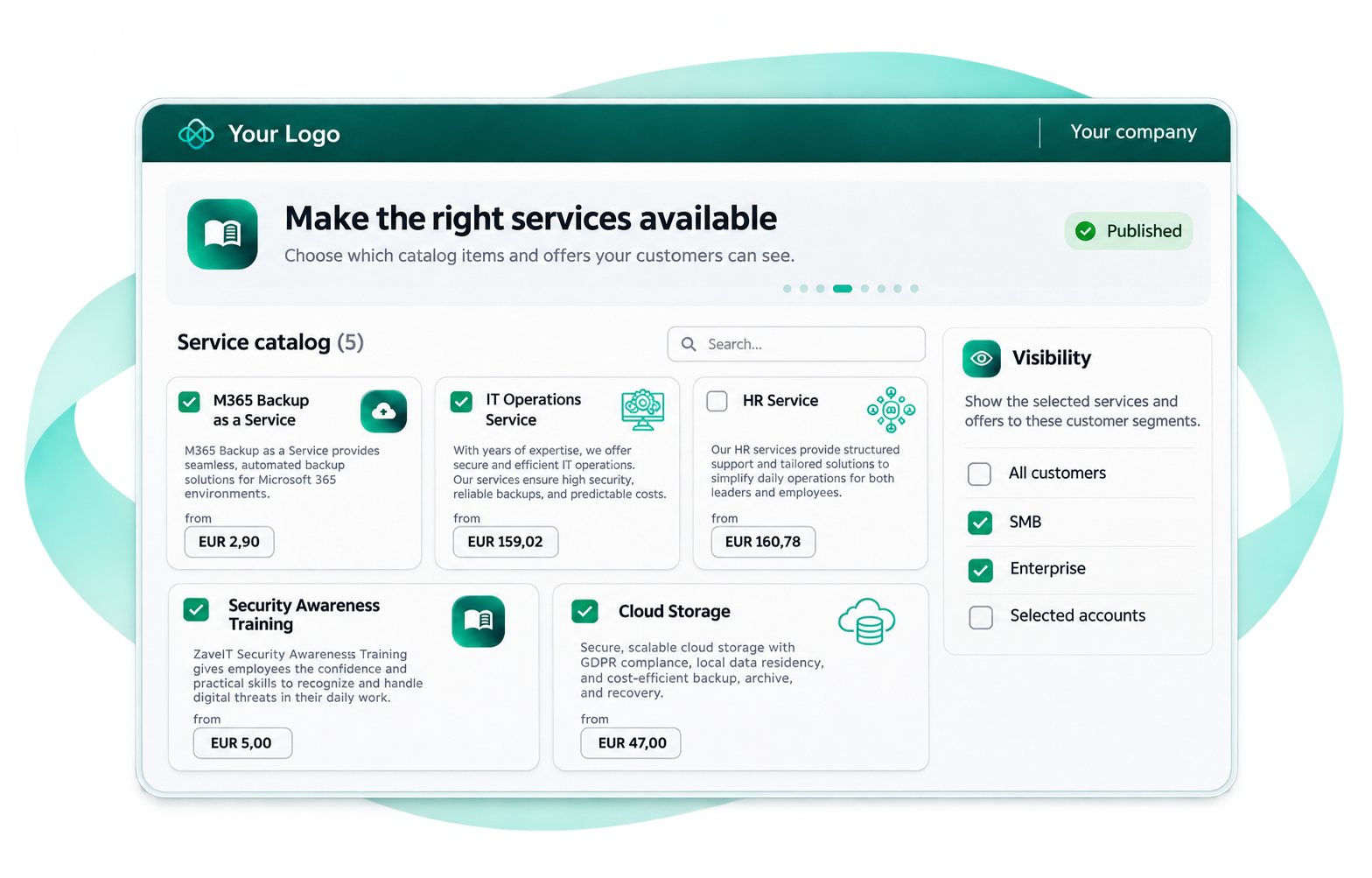
Choose the catalogue items and offers your customers should see.
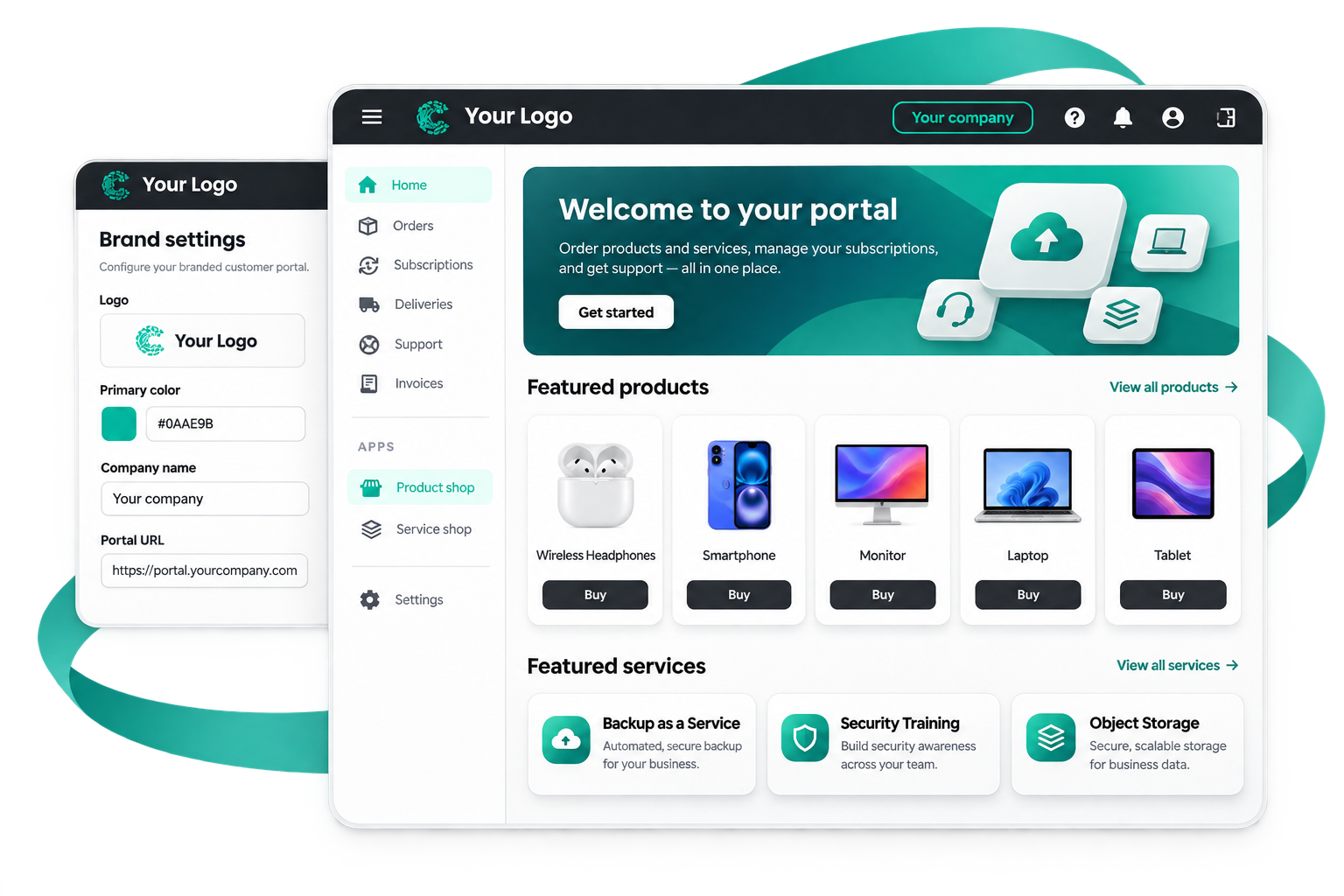
Set up the portal experience around your business and customer needs.
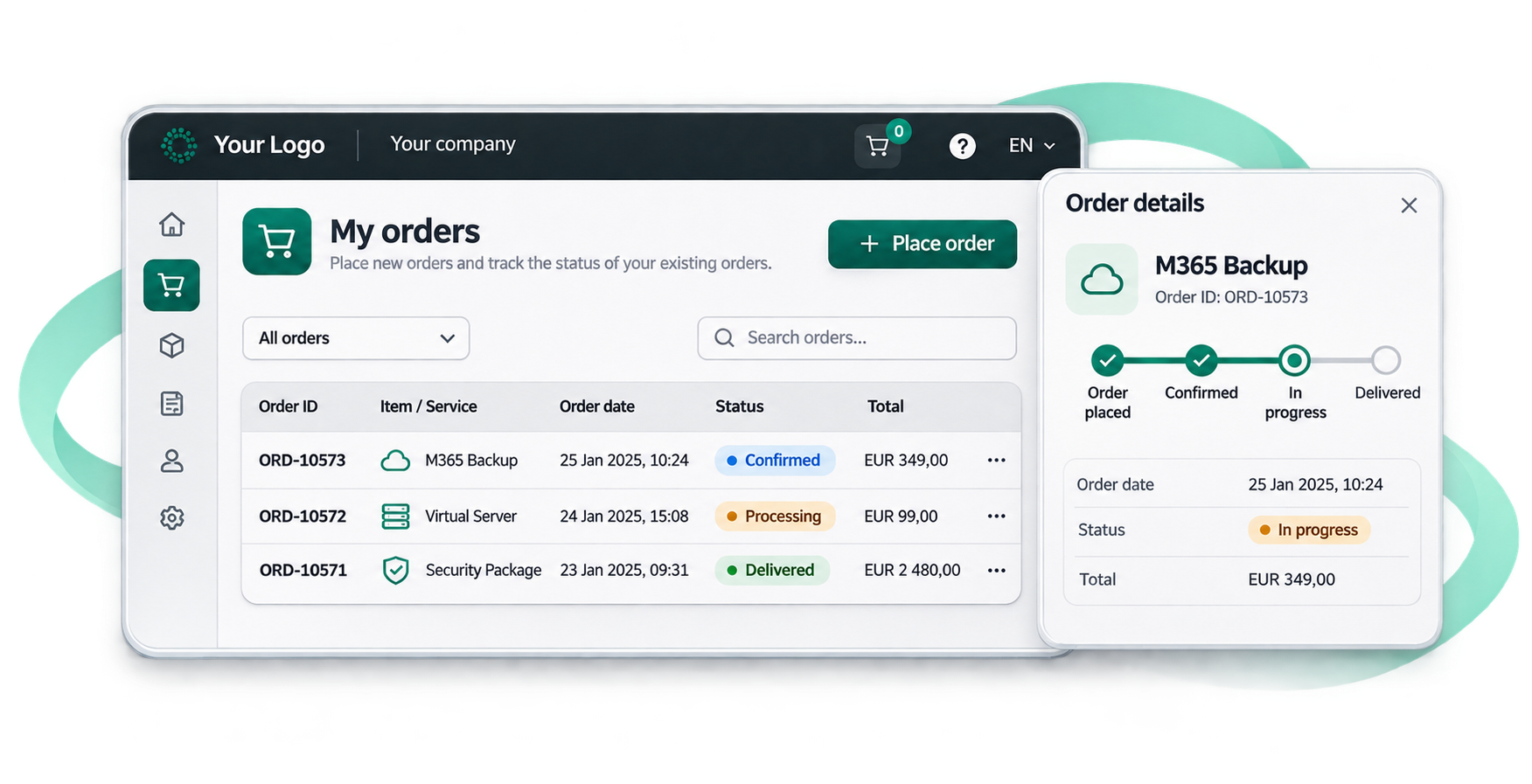
Allow customers to initiate purchases and view order status.
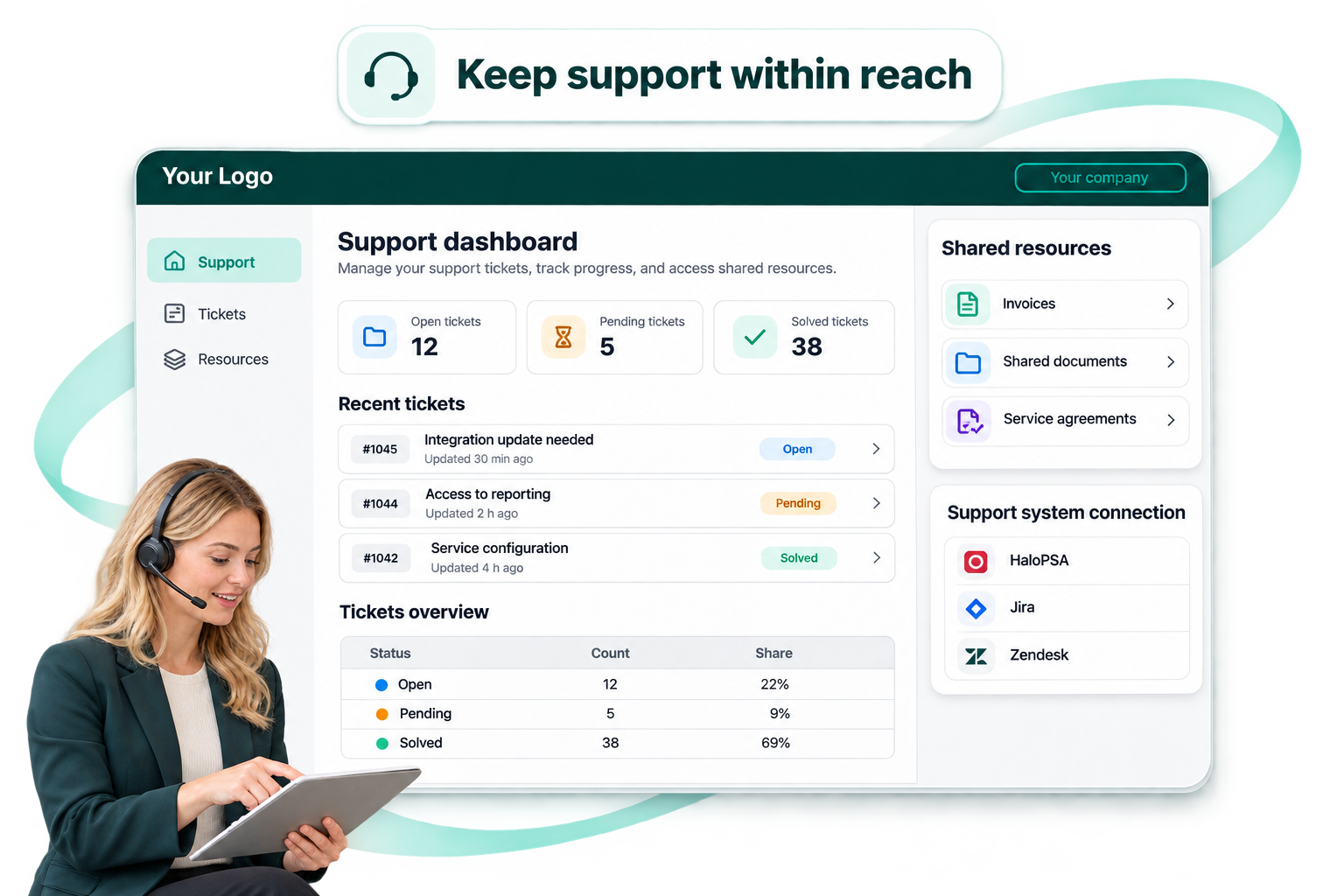
Provide access to tickets, invoices and shared documents when help is needed.
BUSINESS OUTCOMES
Customers can take action outside your team’s working hours.
Account managers spend less time relaying straightforward order updates.
Existing customers can discover relevant additional services.
The customer relationship stays under your brand.
RELEVANT CAPABILITIES
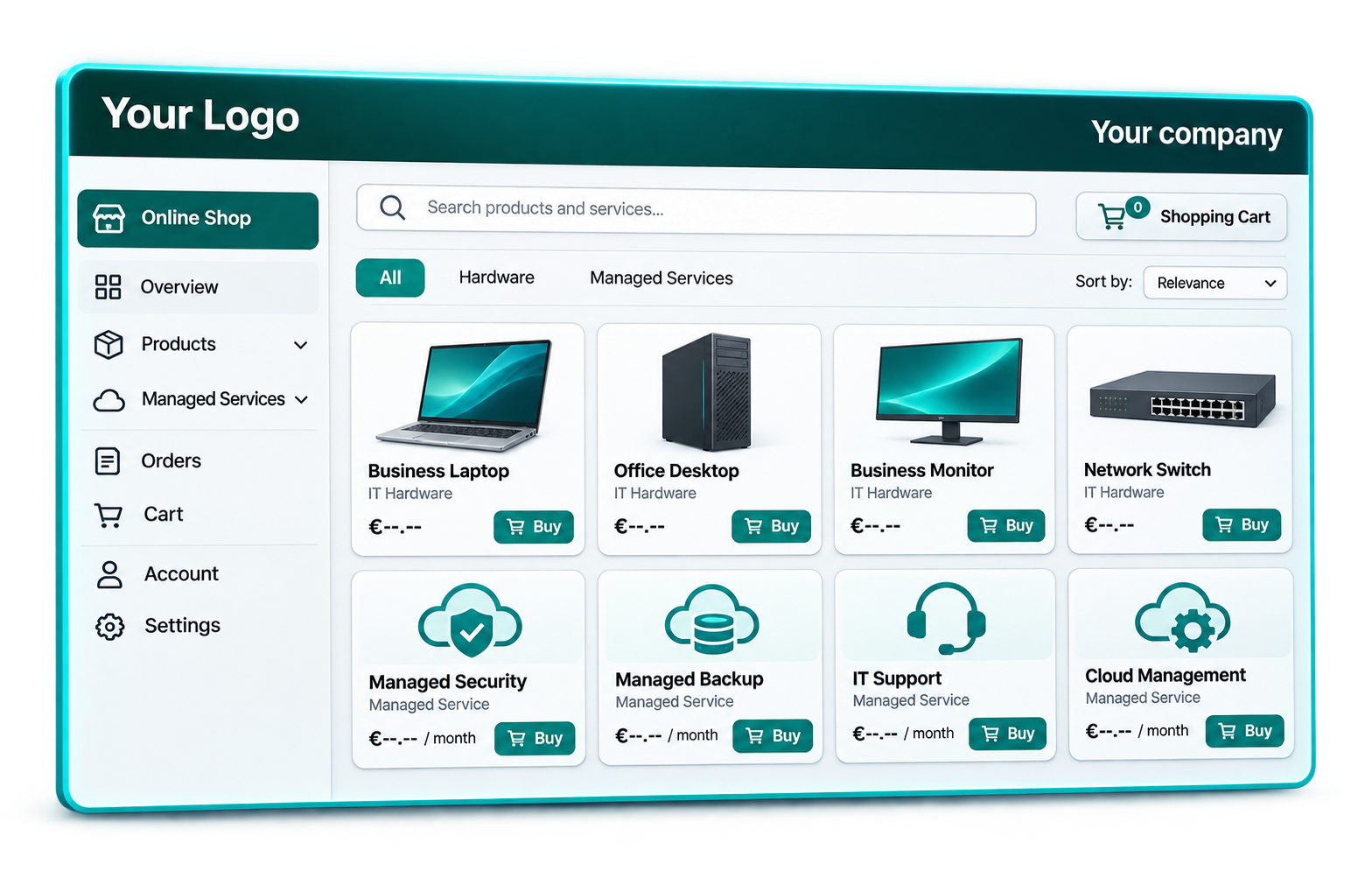
Branded self-service for orders, subscriptions and more.
Learn more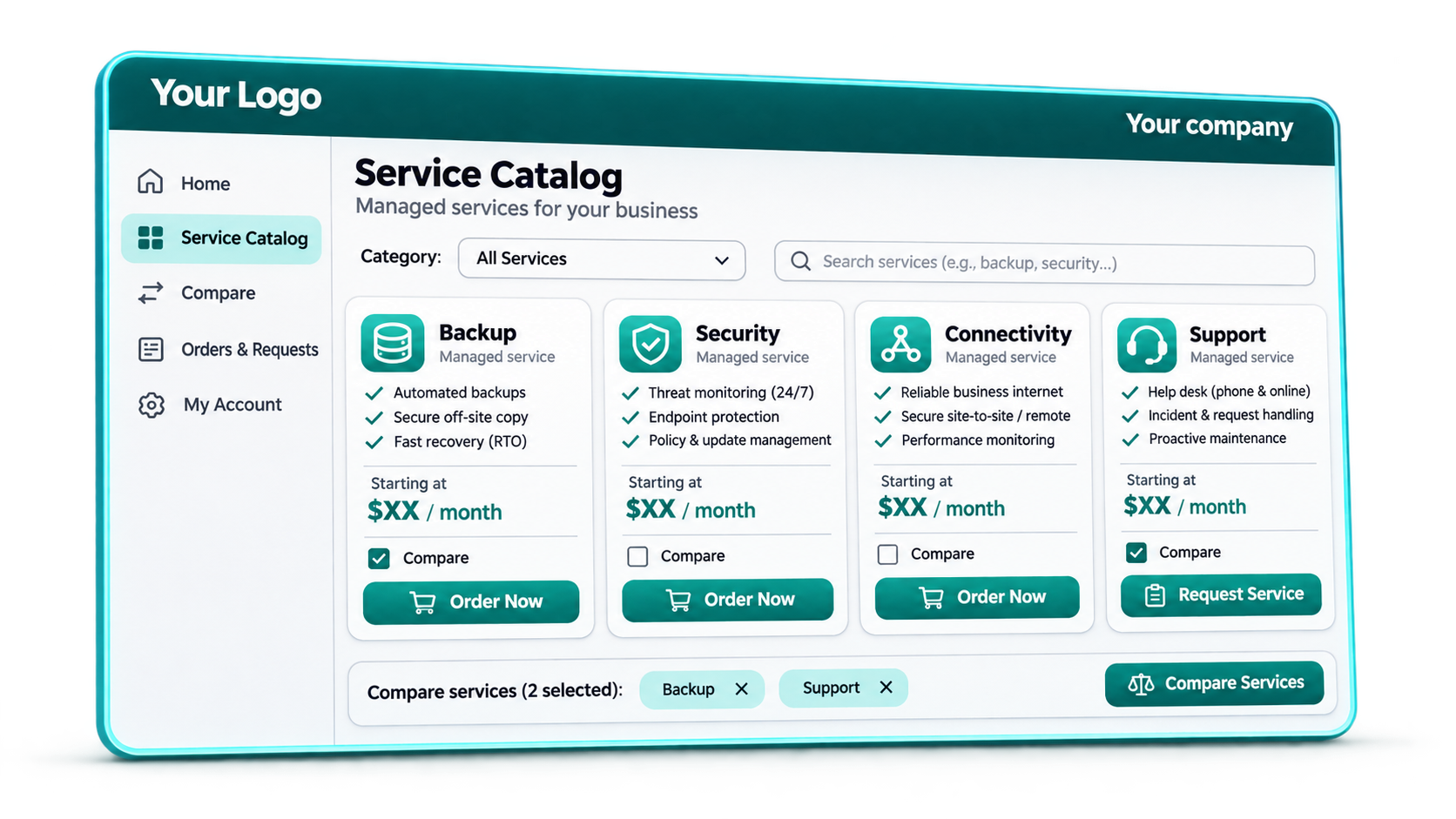
Present services that customers can understand and order.
Learn more
Give customers one place to access support information and files.
Learn moreSee the portal from your customer’s side, not just the admin view.
Book a demo
They can order available products and services, see subscriptions and invoices, track orders, create tickets and access documents, depending on the modules and setup enabled.
Yes. ZaveIT describes branded customer portals and configurable customer-facing experiences.
No. The portal uses the offerings made available through your catalogue and sales-channel setup. Review customer-specific visibility and permissions during implementation.